Snapchat chat analyzer
Step by step
Analyze a Snapchat chat from screenshots
- 01
Open the chat in Snapchat and scroll up to where you want the analysis to start.
- 02
Take screenshots as you scroll down, overlapping a little so no message is missed.
- 03
Upload up to 20 screenshots of the same chat together; the AI reads the messages from them.
What to upload: Up to 20 screenshots of one chat
Uploading Snapchat's My Data download (chat_history.json) is coming soon. Until then, screenshots are the way in.
Honest limits
What it can't do
- Snapchat's chat_history.json export can't be uploaded yet (coming soon).
- Snaps (photos and videos) aren't analyzed — only chat text.
- Screenshots rarely show exact dates, so time-based charts are approximate or hidden for them.
- This isn't a Snapchat account or profile analyzer — it reads chats you upload, nothing else.
What you'll see
What a Snapchat analysis can show
01
Screenshots, read properly
Upload up to 20 screenshots of one chat and the AI reads each message in order, with who sent it.
02
No waiting on My Data
Snapchat's data download can take days and only holds saved messages. Screenshots of what's on screen work right away.
03
Mood and balance
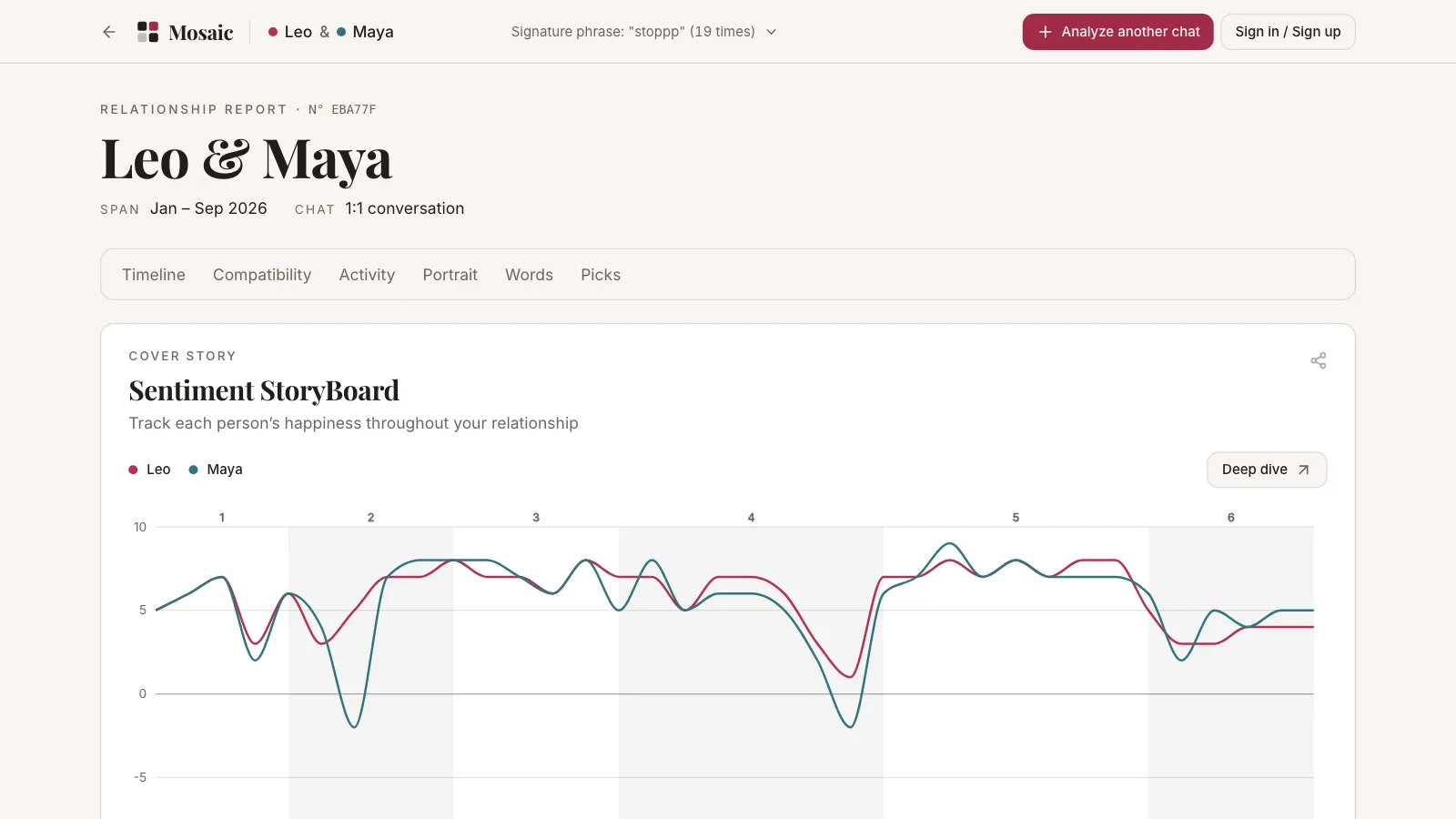
Sentiment across the conversation and each person's share of messages.
04
Ask Myrah
Ask the AI coach what it notices in the chat — how interested they seem, where things got awkward, what to say next.
06Letters
What couples tell us
We thought we were falling apart. The analysis came back at 89% compatible but flagged that we never had phone-free quality time. Fixing that one thing fixed everything.
I was so confused about the mixed signals my partner was giving. The sentiment chart showed they were always distant right before big work deadlines. Changed everything once I saw the pattern.
Honestly didn't expect much, but the MBTI read pegged me as ENFP from texts alone. Sent it to friends and they all said the same thing — eerily accurate.
A friend sent me their 'chat wrapped' of our DMs. The word cloud caught all our inside jokes — we couldn't stop laughing at how often we both say 'bruh'.
Decode your chatswith a fresh perspective
Upload a conversation from any platform — get insights you've never seen before.
Works with
iMessage
Telegram
Messenger
more
Export guides
Step-by-step guides with screenshots for getting your conversation out of the app.
Questions